Provide Feedback or Report a Bug
Help improve INKY by submitting feedback or bug reports directly from your account.
Written By Matt Sywulak
Last updated 11 months ago
To submit feedback:
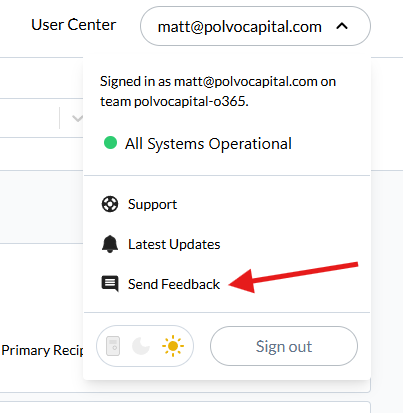
Click your email address (profile dropdown) in the top right
Select Send Feedback
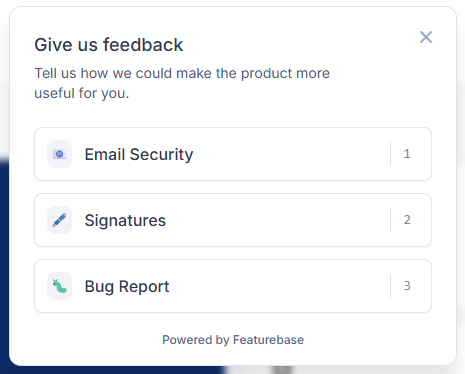
Choose the appropriate category
Add a title and description
Attach a screenshot using the built-in capture tool if needed
Click Submit
Your feedback goes directly to the INKY team for review.
Still need help? Ask the team