Group Creation
In this section you’ll be creating the appropriate group necessary to identify which subscribers will be processed by INKY.
Written By Michel Young
Last updated About 1 year ago
Directory → Groups
Select “Create Group”
Name:
ipw-groupGroup Email:
ipw-groupDescription:
(Optional)
Group used to route messages to INKY Phish FenceSelect “Next”
Select the "Restricted" radio button, then remove External access and Create Group
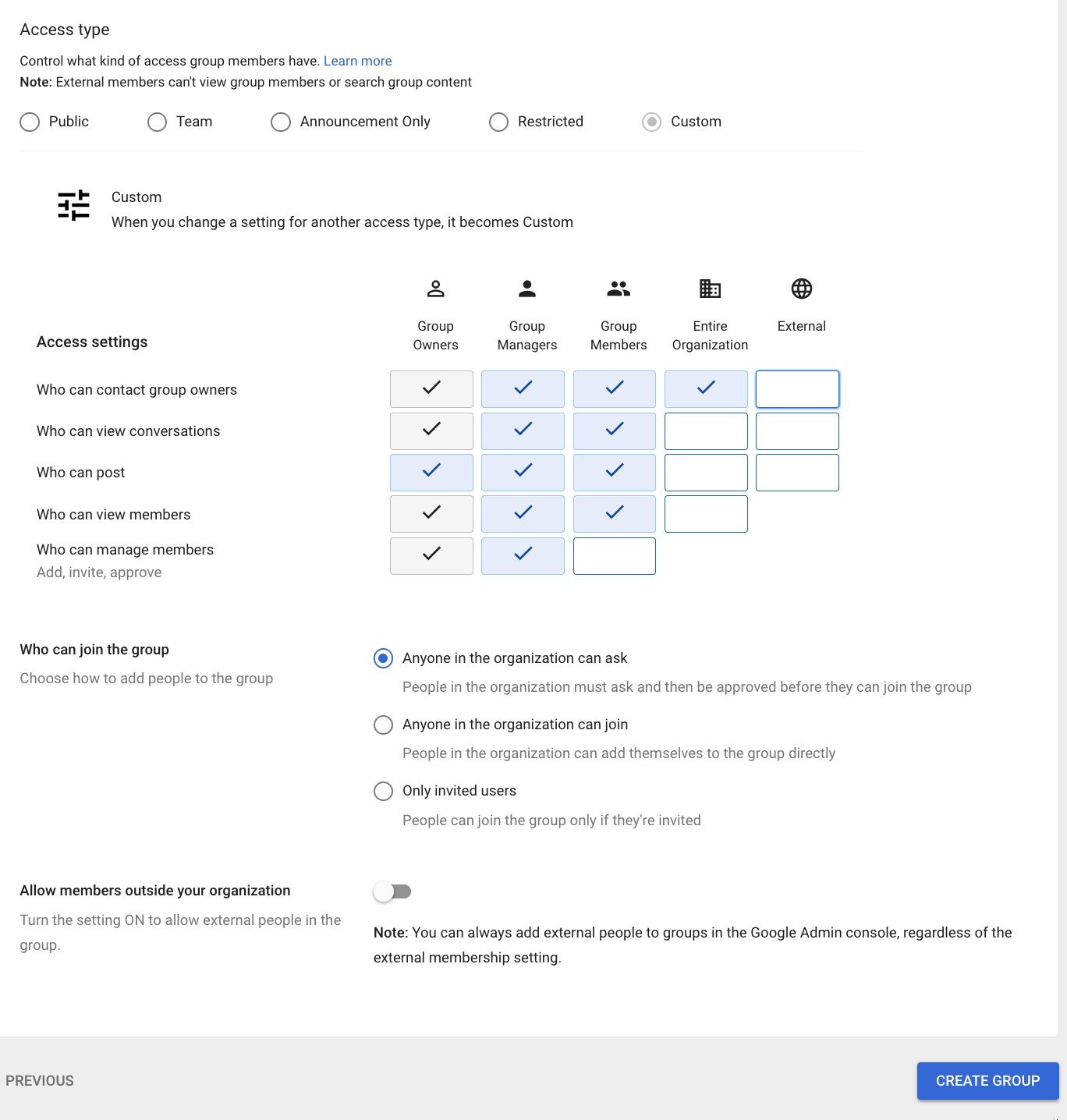
If you see an error come back from Google, simply click where it says "Access type" and edit the settings again.
Previous Page
Next Page
@
Still need help? Ask the team