Internal Sending Content Compliance
Written By Michel Young
Last updated 10 months ago
Apps → Google Workspace → Gmail → Compliance → Content Compliance
Scroll to the Content compliance section and select “Configure” or “Add Another Rule”.
Name:
Route internal sending to OBX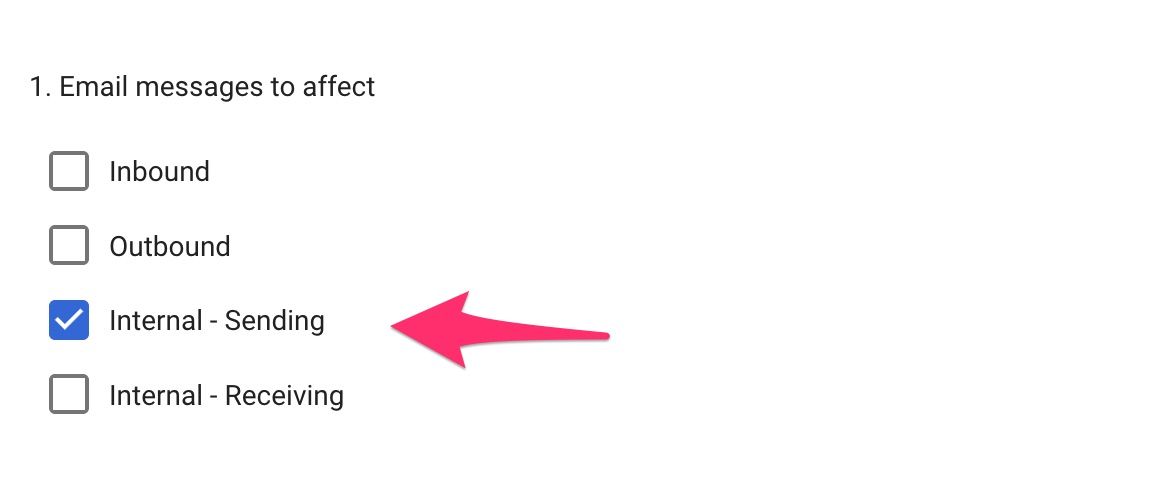
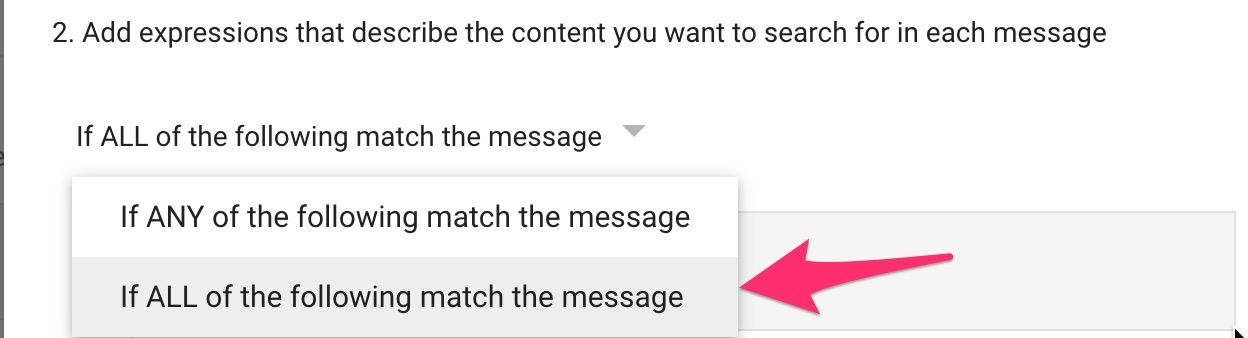
Click the ADD button
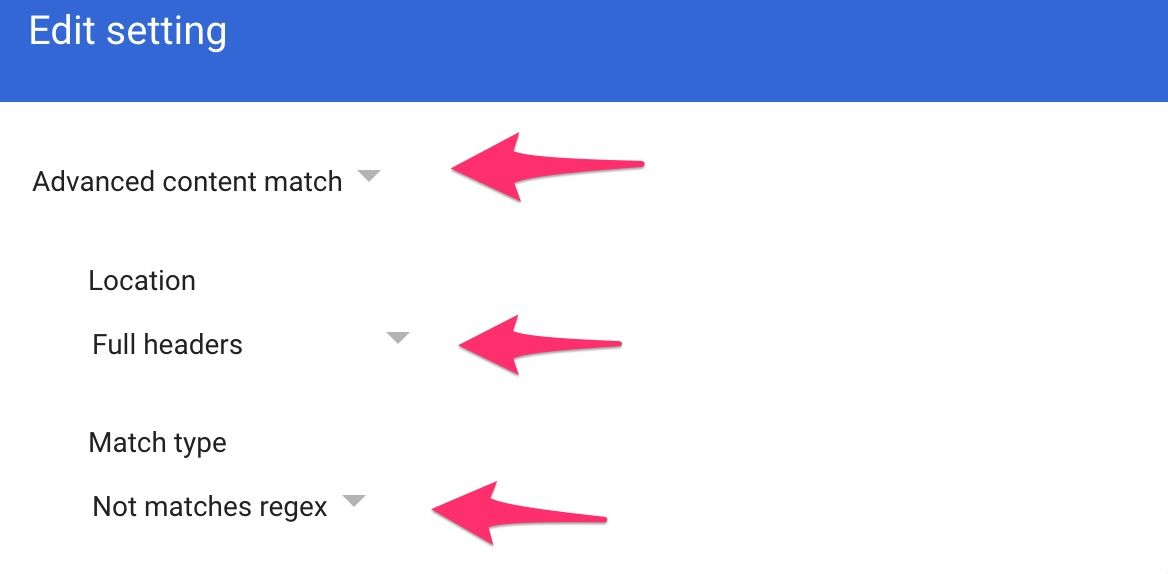
Regexp
(?i)^X-Inky-Outbound-Processed: True$Regex Description (optional)
Contains X-Inky-Outbound-Processed Header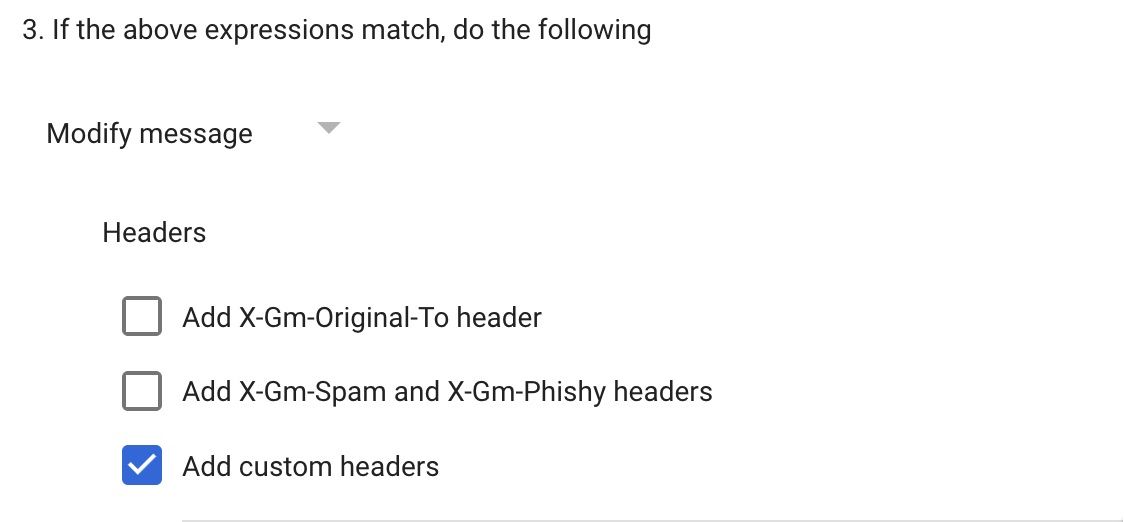
Click the ADD button
IPW-GroupMemberIPW-SecurityInky-WorkflowTrueInsideInside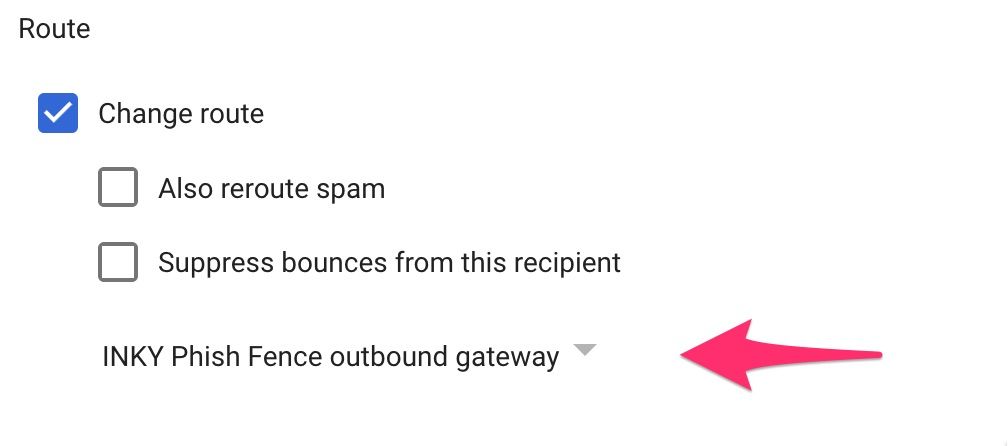
Click the Show options link
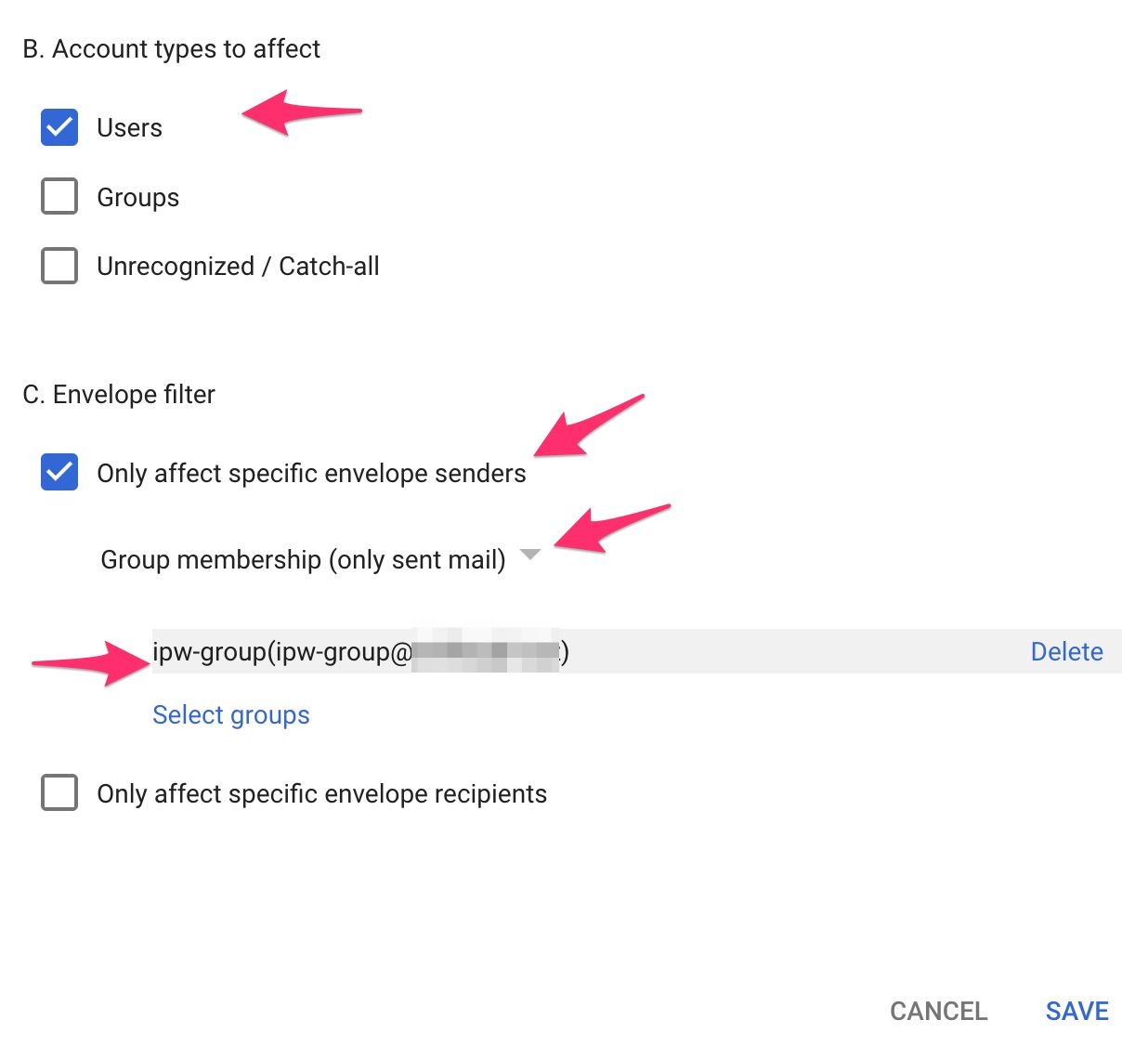
Click the SAVE button to save your work
Previous Page
Next Page
Still need help? Ask the team