EU Data Center: SMTP Relay
If you are installing in the EU Data Centers please follow the instructions below. Otherwise go to the US Data Center: SMTP Relay documentation.
Written By Michel Young
Last updated 12 months ago
Apps → Google Workspace → Gmail → Routing → SMTP relay service
Select “Configure” or “Add Another”
Description:
Receive from INKY Outbound Relay
Authentication:
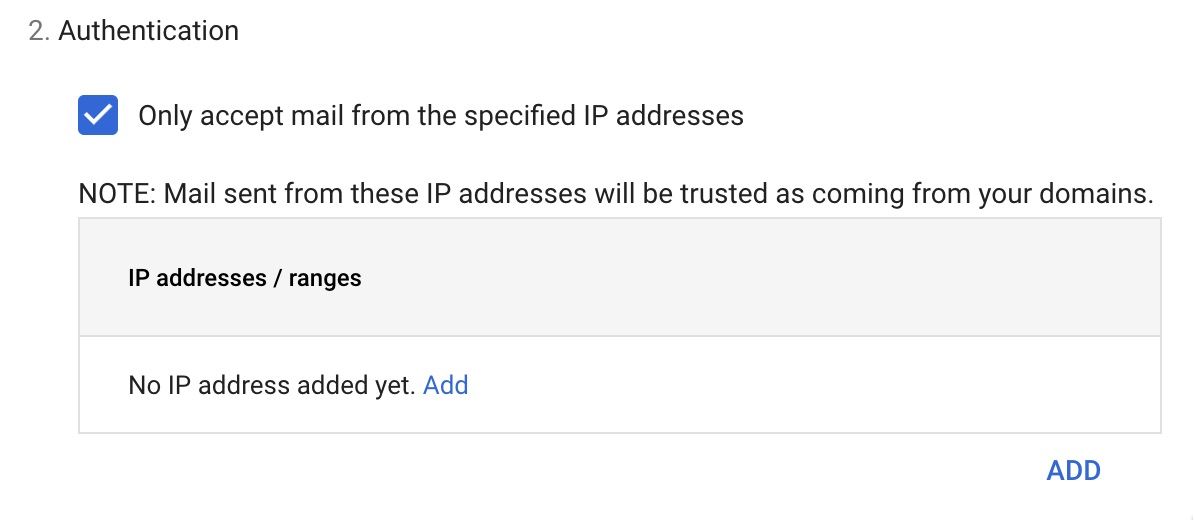
Select ADD
Description:
IPW-18.193.59.0IPW-18.198.169.240IPW-34.255.79.51IPW-63.32.42.225Enter IP address/range:
18.193.59.018.198.169.24034.255.79.5163.32.42.225Select:

Click the SAVE button to save your work.
Previous Page
Next Page
Still need help? Ask the team