Understanding INKY Billing
Learn how INKY's Committed Minimum Quantity (CMQ) billing works, how users are counted, and how to exclude accounts from billing.
Written By Matt Sywulak
Last updated 8 months ago
INKY uses a Committed Minimum Quantity (CMQ) billing model. You commit to a user count, pay that amount in advance each month, and any overages are billed in arrears.
How CMQ Billing Works
Each month:
You're billed your CMQ in advance
If your usage exceeds the CMQ, the overage is billed in arrears on the following month's invoice
If your usage is below the CMQ, you still pay the full CMQ (no credit)
Example:
How Users Are Counted
INKY records usage nightly. The system selects the most accurate counting method based on your configuration:
Important timing: Changes to Include or Exclude groups are recorded overnight and reflected in the dashboard the next day. If you need to adjust your user count before a billing snapshot, make changes at least one day in advance.
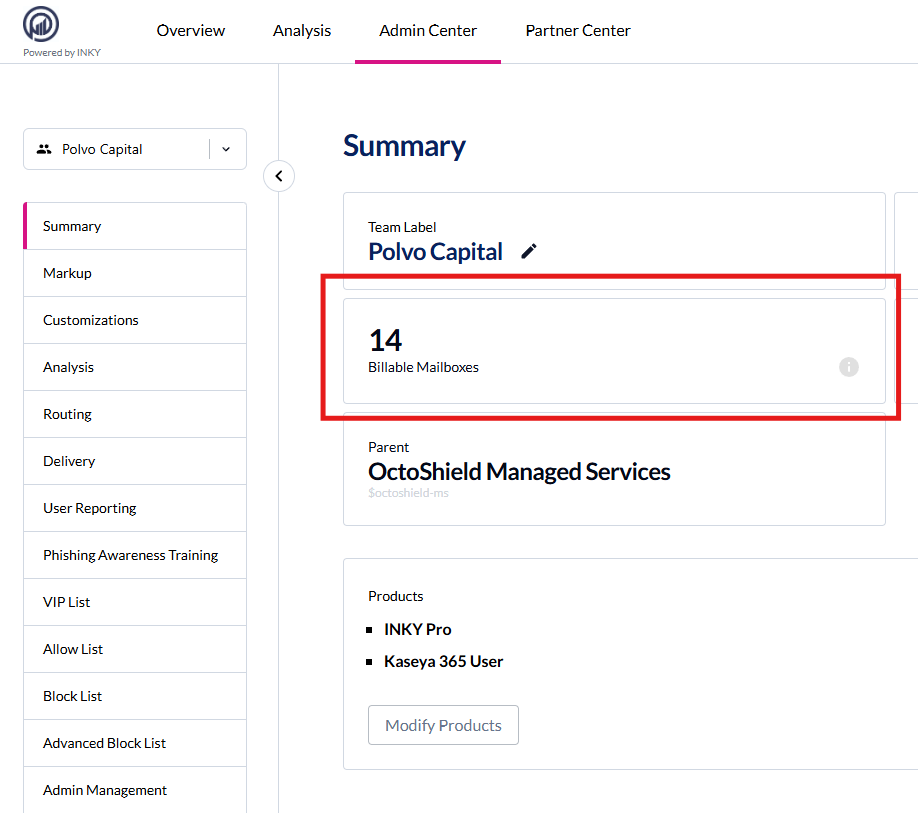
Note: Journal mode users are not currently billed, though this may change based on mail flow factors.
Viewing Your Usage
The Usage & Billing dashboard provides real-time visibility into your mailbox counts, contract health, and product allocation. For detailed guides on using the dashboard, see:
→ Usage & Billing Dashboard for Partners (Partner Center → Usage)
→ Usage & Billing Dashboard for Direct Customers (Settings → Usage)
Excluding Accounts from Billing
Microsoft 365 — Two options:
Add accounts to the Exclude group to remove them from billing
Or use an Include group to protect only specific users
→ Adjust Billable Users in Microsoft 365
Google Workspace — One option:
Use an Include group containing only the users you want to protect
→ Adjust Billable Users in Google Workspace
Common Questions
What if I go over my CMQ? Overages are billed in arrears on your next invoice. You won't see a surprise mid-cycle bill.
What if I'm under my CMQ? You pay the full CMQ. The commitment ensures predictable pricing regardless of fluctuations.
How do I change my CMQ? Contact your account manager to adjust your quantity for your next contract at renewal.
Questions? Contact your account manager or support team.
Still need help? Ask the team