Graymail Protection
Graymail Protection identifies bulk newsletters and promotional mail that isn't dangerous but clutters your inbox.
Written By Matt Sywulak
Last updated 12 months ago
Access: User Center > Graymail Protection
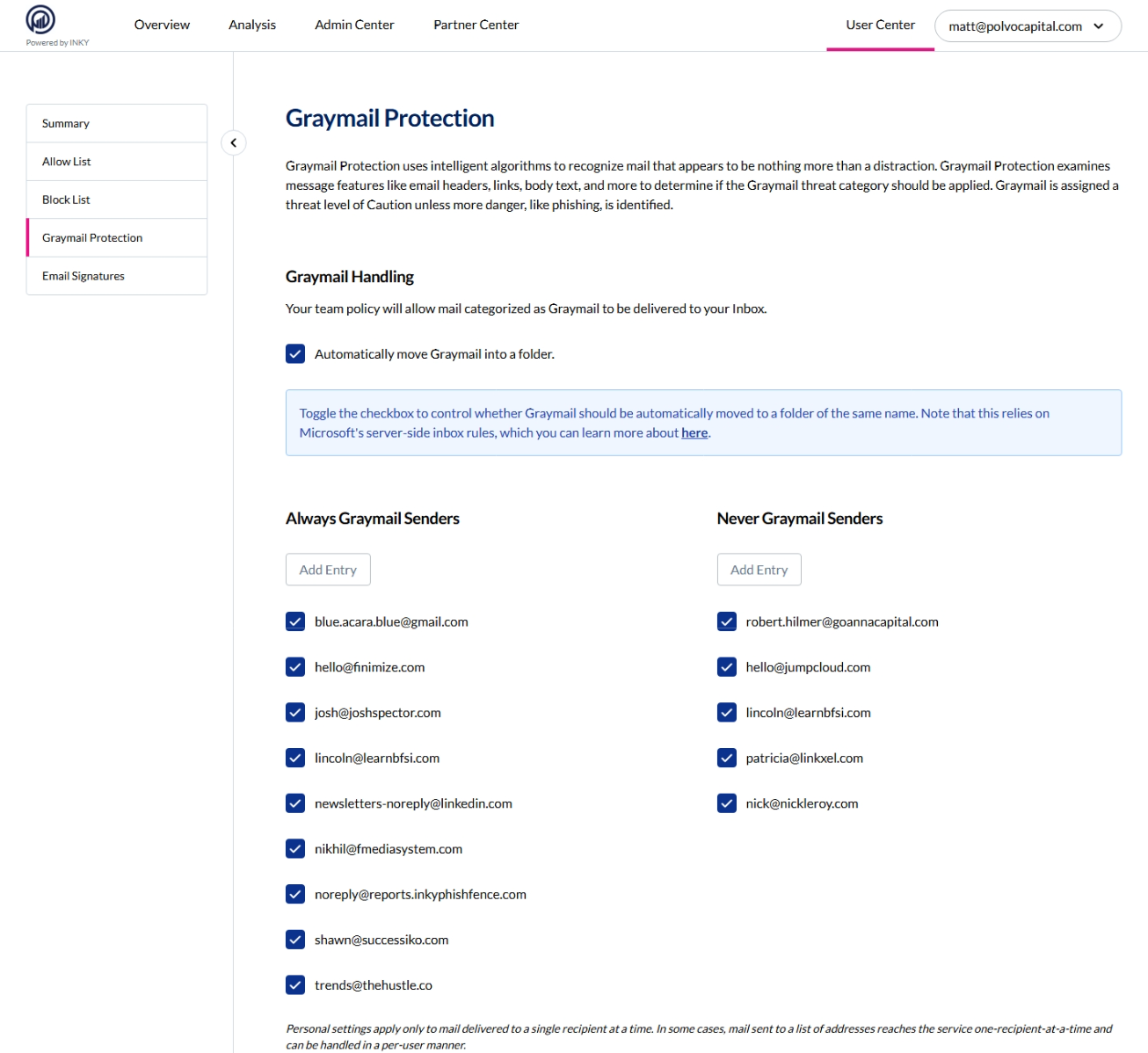
Automatic Foldering
Enable "Automatically move Graymail into a folder" to route detected graymail to a dedicated folder instead of your inbox. Uses Microsoft server-side rules (M365 only).
Your team policy controls baseline graymail delivery. Foldering overrides this for your mailbox only.
Custom Graymail Lists
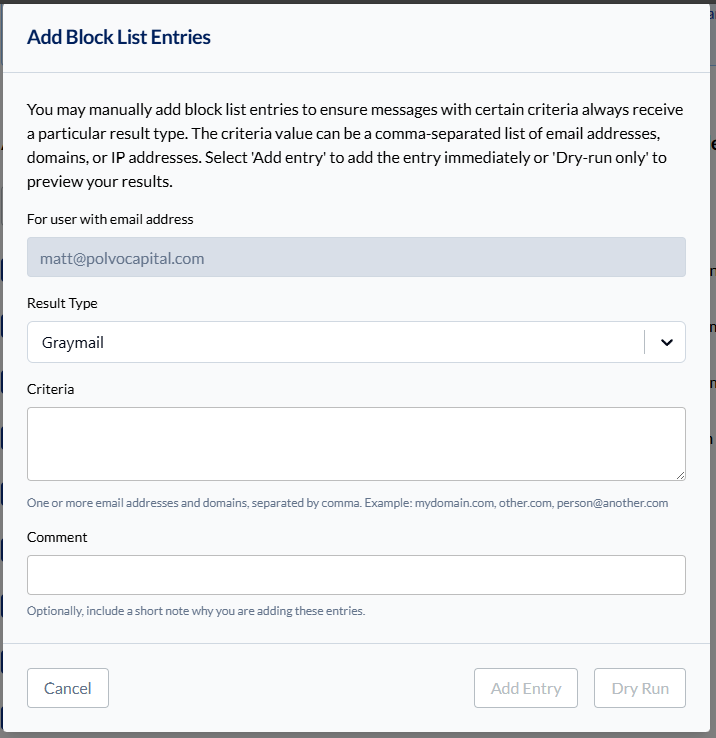
Always Graymail: Senders you want treated as graymail even if INKY doesn't detect it (e.g., newsletters@company.com).
Never Graymail: Senders that should always reach your inbox even if they look like bulk mail (e.g., important vendor updates).
Add entries by sender address. These apply only to mail sent to you individually.
Key fact: Graymail gets "Caution" threat level unless actual phishing indicators are found, which upgrades it to "Danger."
Still need help? Ask the team