Choosing a Product for a Team
Learn how the product cards work, including how to use the free NFR seats on your own team.
Written By Matt Sywulak
Last updated About 2 hours ago
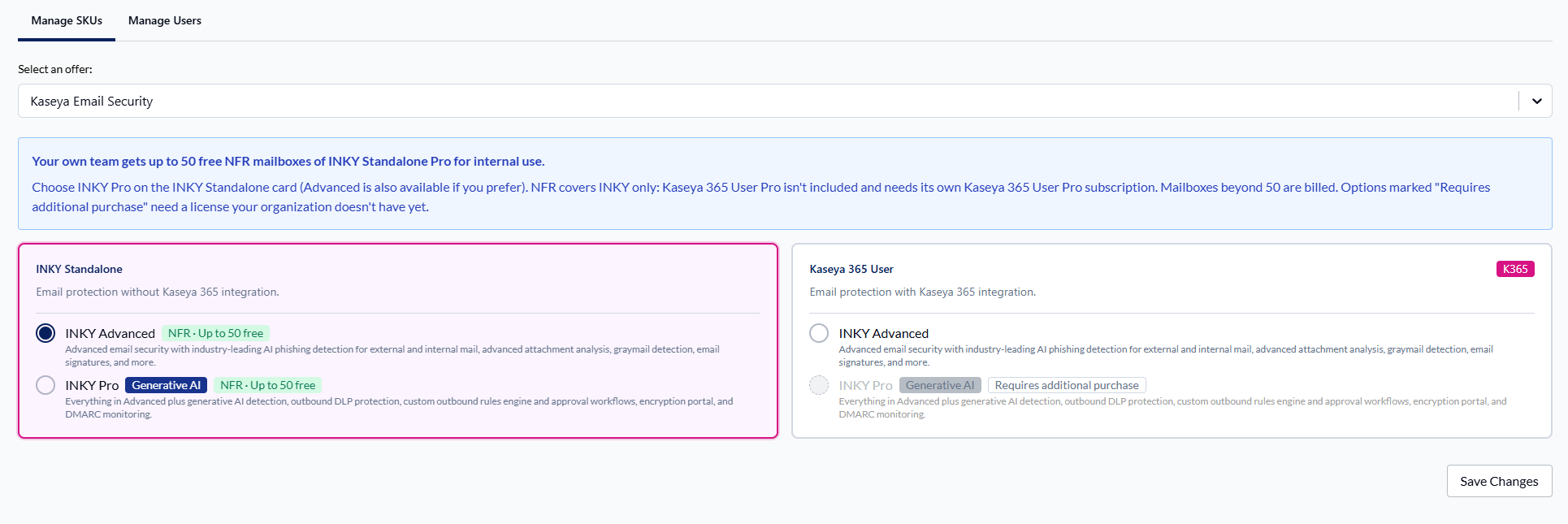
The product cards show which INKY products you can assign to a team, including the free NFR seats for your own team.
Your own team (NFR)
Your own MSP team gets up to 50 free NFR (not-for-resale) mailboxes of INKY Standalone Pro for internal use.
To use them, select INKY Pro on the INKY Standalone card. Advanced is also available. The first time you choose products for your own team, the form opens with Standalone Pro already selected.
Products covered by NFR show a green label: NFR · Up to 50 free.
A message above the cards explains this:
Your own team gets up to 50 free NFR mailboxes of INKY Standalone Pro for internal use. Choose INKY Pro on the INKY Standalone card (Advanced is also available if you prefer). NFR covers INKY only: Kaseya 365 User Pro isn't included and needs its own Kaseya 365 User Pro subscription. Mailboxes beyond 50 are billed.
If you own Kaseya 365 User
The first line of the message stays the same. The rest reads:
NFR License Disclaimer: If you own Kaseya 365 User and want to use the NFR licenses, select INKY Pro on the INKY Standalone card (Advanced is also available). NFR licenses are always Standalone and cover INKY only, not the other Kaseya 365 User services. Mailboxes beyond 50 are billed.
So even if you own Kaseya 365 User, choose the INKY Standalone card for your own team to use the free seats.
During a trial
A trial includes INKY Pro, already selected. The message above the cards reads:
Your trial includes INKY Pro, our complete feature set, already selected for you. The other packages show what you can add when you purchase.
The selected product shows an Included in Trial badge. NFR labels aren't shown during a trial.
Products you haven't licensed
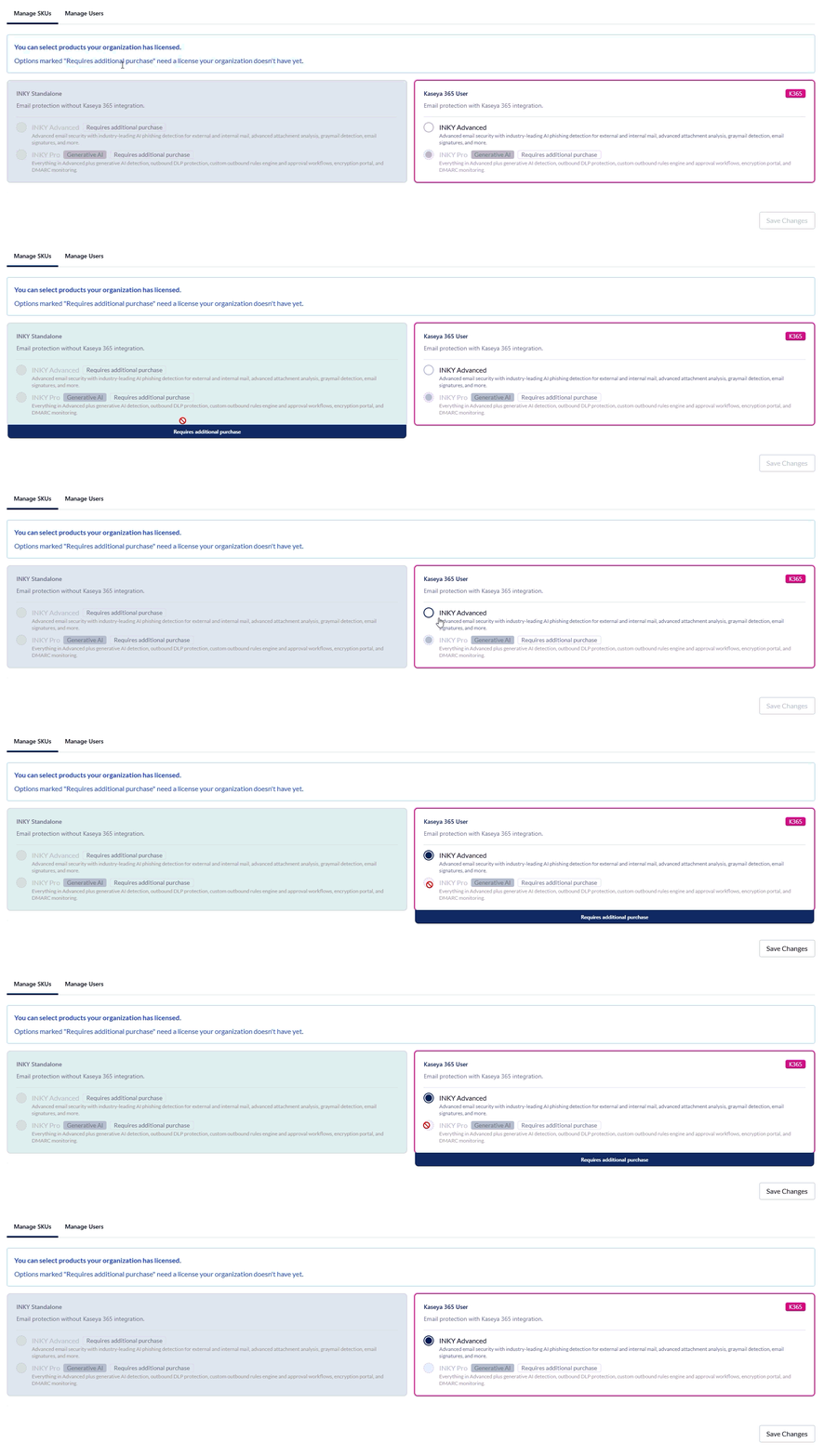
You can select products your organization has licensed. Options you can't pick are tagged Requires additional purchase. These need a license your organization doesn't have yet. Contact your Kaseya Account Manager to get one.
Still need help? Ask the team